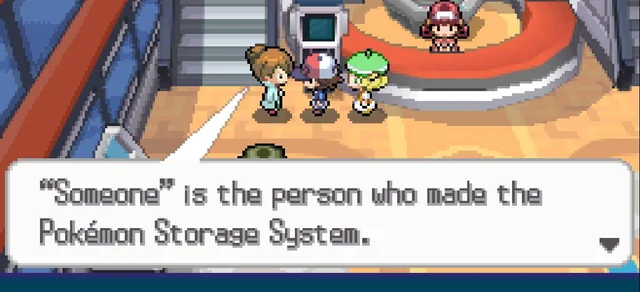
About a month ago, I worked on an app called “Someone’s PC”, which was designed to help Pokémon TCG players upload digital formats of the decks they have built physically, and keep track of where different cards are in their collections.
Why “Someone’s PC”?
As someone who plays this game competitively and is constantly trying out new decks as they release, I have so many different ones built and sitting in a drawer (and getting in good usage, despite a lack of diversity on my Limitless).
As I play the decks more regularly, or bring them to local tournaments, I find myself swapping out the rarities or artwork for some of the cards – goodness knows how many Bloodmoon Ursaluna ex’s I’ve moved around – and in the process, I could never figure out where I had moved certain cards. Is my fourth gold Energy Switch in Grimmsnarl? In the trade binder? Somewhere in a bulk bin?
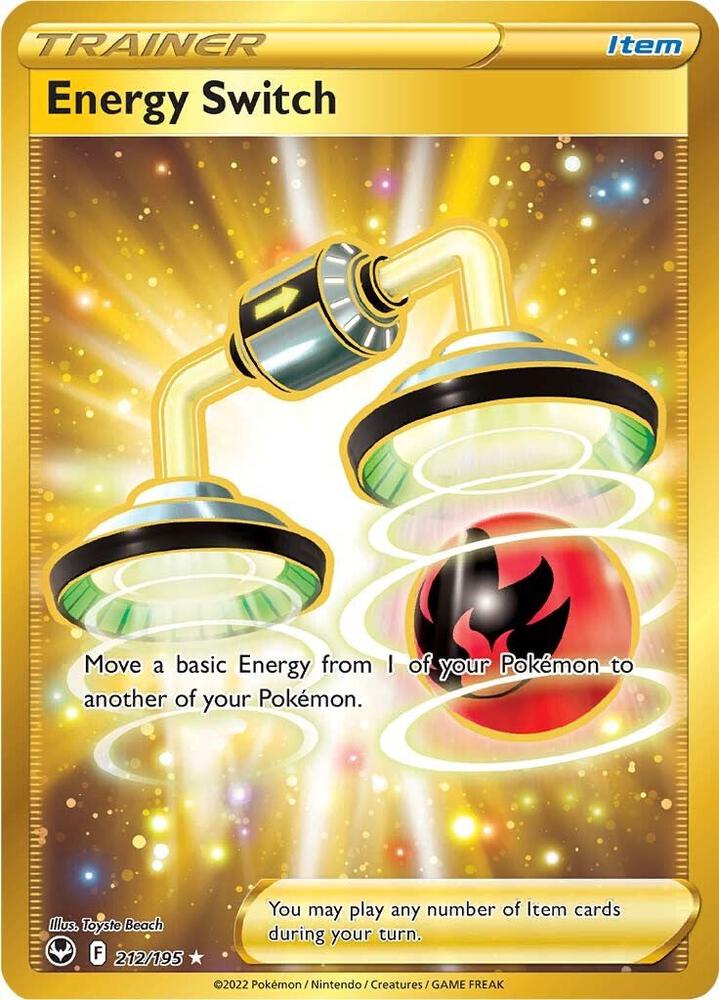
Still haven’t found this guy….
I figured that, with strong enough inventory documentation, I should be able to locate whatever cards I want as needed. Vain? Yes. Time-saving? Also yes.
What I needed was a Pokémon Storage System of my own.
Where to start
Disclaimer: This was my first vibe-coding project, originally intended as a tool for personal use, but one that gained enough interest I decided to put it out there for other collector-competitor hybrids out there. I have zero interesting in profiting off of a slop project I made to keep my ADHD brain together. The rest of this blog has been crafted by a human.
This project was made through Claude Code. I had a clear idea of how I wanted the cards to be sorted out, starting from the following principles.
Someone’s PC needed to be able to:
- Track decks as a storage unit, where cards move in and out over time, not a static list. These were all assumed to be ~60 cards – not the exact deck size, as this could fluctuate when cards are moved around.
- Decks should be importable from TCG Live or Limitless (though the latter tends to default to base rarity on exports).
- Maintain default “bulk trays” of cards that are known to exist, potentially as pulled-out cards from previous decks as changes are made. Sorting any physical bulk trays is up to the user.
- Differentiate card types as follows:
- Pokémon
- Items
- Supporters
- Stadiums
- Tools
- Energy
- All of the above needed to be differentiated by art and print – because there’s a difference between having Boss, Boss, or Boss for game.
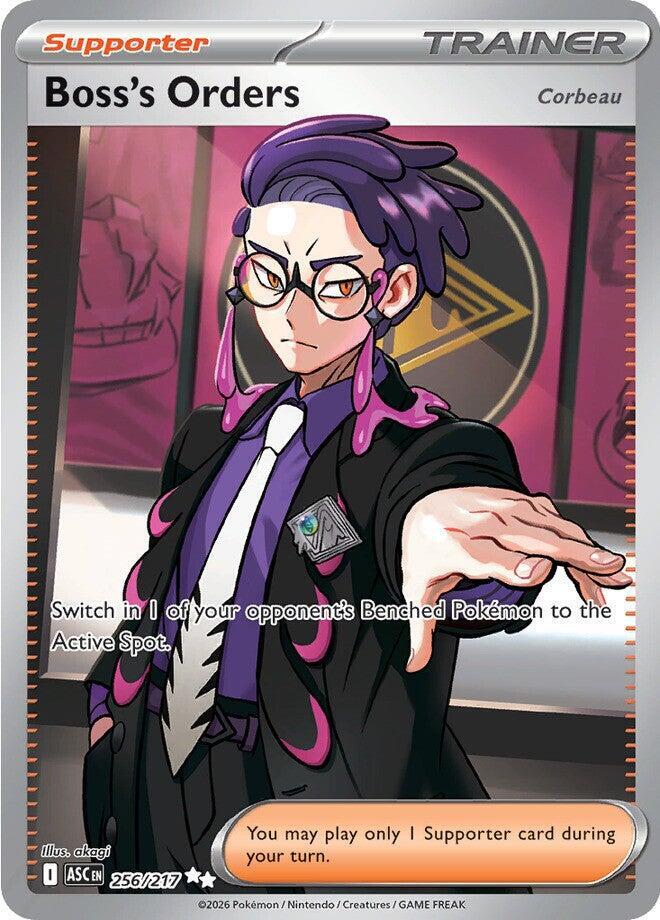
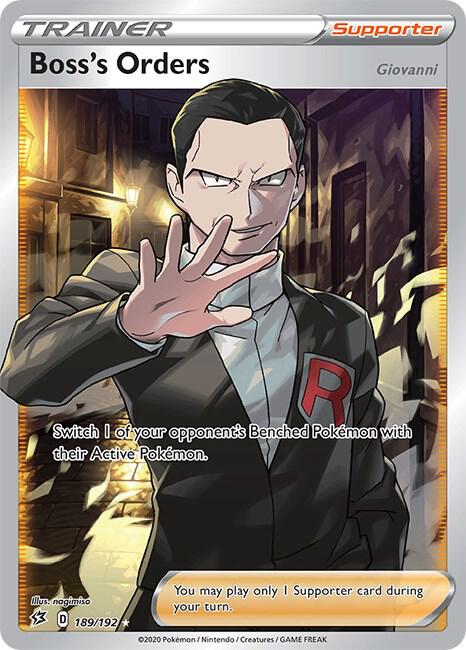
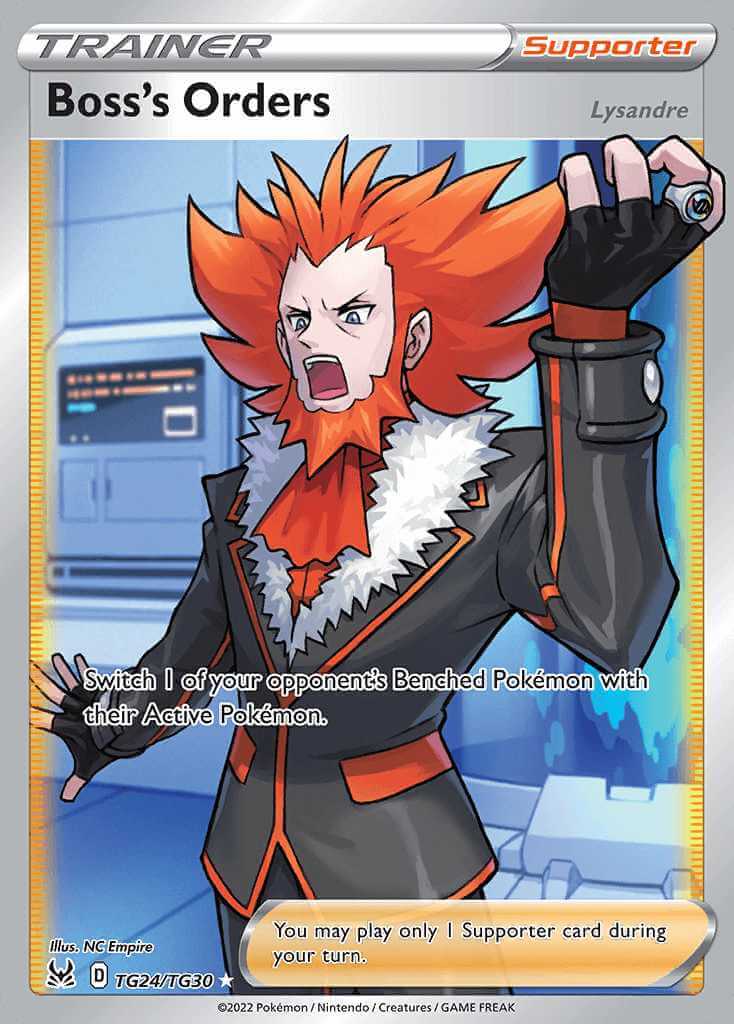
- Interpret a pasted 60-card list, and show instantly what cards (and arts) you already have, where they’re sitting, and what gaps there are between your collection and a blinged-out deck.
Hurdles and Learnings
Something that I didn’t anticipate was how difficult it would be to pull up the exact images of cards in a collection. For starters, the Claude Code sandboxed artifact struggled to allow loading images from external sources. I tried pulling from Limitless TCG’s card database, then eBay, and then Wikimedia to get the images to load. All were blocked in the sandbox.
For something like this to be even remotely successful and accessible as a tool, some way to load card images was necessary. So, we moved the project to Supabase in order to establish actual database tables for the storage system, and hosted through Vercel to build and deploy the app. This change opened the floodgates for image loading, and now card images can be pulled from pokemontcg.io (Now Scrydex)

What’s next?
Ideally, I’d love to add more quality of life features to the app – make it work better on mobile, add a scanning system for card lookup/addition rather than manual entry, and any other pain points as people bring them up.
Ultimately, I want to spend time working on projects that involve more creativity in writing, sharing learnings, thoughts, and life experiences with others. I’ve been in a weird soul-search-job-search phase for the past few months and the only real conclusion I’ve gathered is that making things is fun. I want to do work that is both fun and fulfilling, crafting ideas and putting them out there for others’ enjoyment.
Maybe this is the start I needed.